AudioTheory Updates Roundup – 2025 A look back over a year of improvements.
The last year has been a turning point for AudioTheory, with a total of 15 updates across the full software range. If AudioTheory was The Beatles, it would have been 1965. Instead it's been 2025, and this article recaps the series of improvements implemented over the last twelve months.
Automatic/ Manual Sharps & Flats
Sharps and flats display contextually by default. This is to prioritise practical scales over theoretical ones, for example showing D♭ major, but C♯ minor within the scale library. It's now possible to quickly swap scale by clicking on the accident within the scale selector in the bottom left. E.g. if you load C♯ minor and then click on the C♯ note, it will change the scale to D♭ minor.
Manual mode can be set in the application settings as a different approach to handling sharps and flats, letting you specific the default values to use. This mode is useful if you want to use theoretical scales. For example, setting the default display for C♯/D♭ to D♭ means that the theoretical D♭ minor scale will display in the scale selector and scale library (whereas in automatic mode C♯ minor is given priority).
Theoretical Scales
The changes to how sharps and flats can display opens up many new situations where theoretical notes and scales come into play. The applications have been updated to properly support these, meaning scale highlighting works with double sharps, double flats and enharmonic notes such as C♭ and B♯.
Theoretical scales have also been added to the scale library, although to keep things simple scales are still presented in groups of 12. The 12 you'll see are determined by the sharp/ flat options described above.
Additional Minor Scales
Full sets of harmonic and melodic minor scales have made their way to the scale library. To find these, select the minor type first and then below you'll see the different subtypes – natural (the standard minor scales that were already available) as well as harmonic and melodic.
Revised Keyboard Design
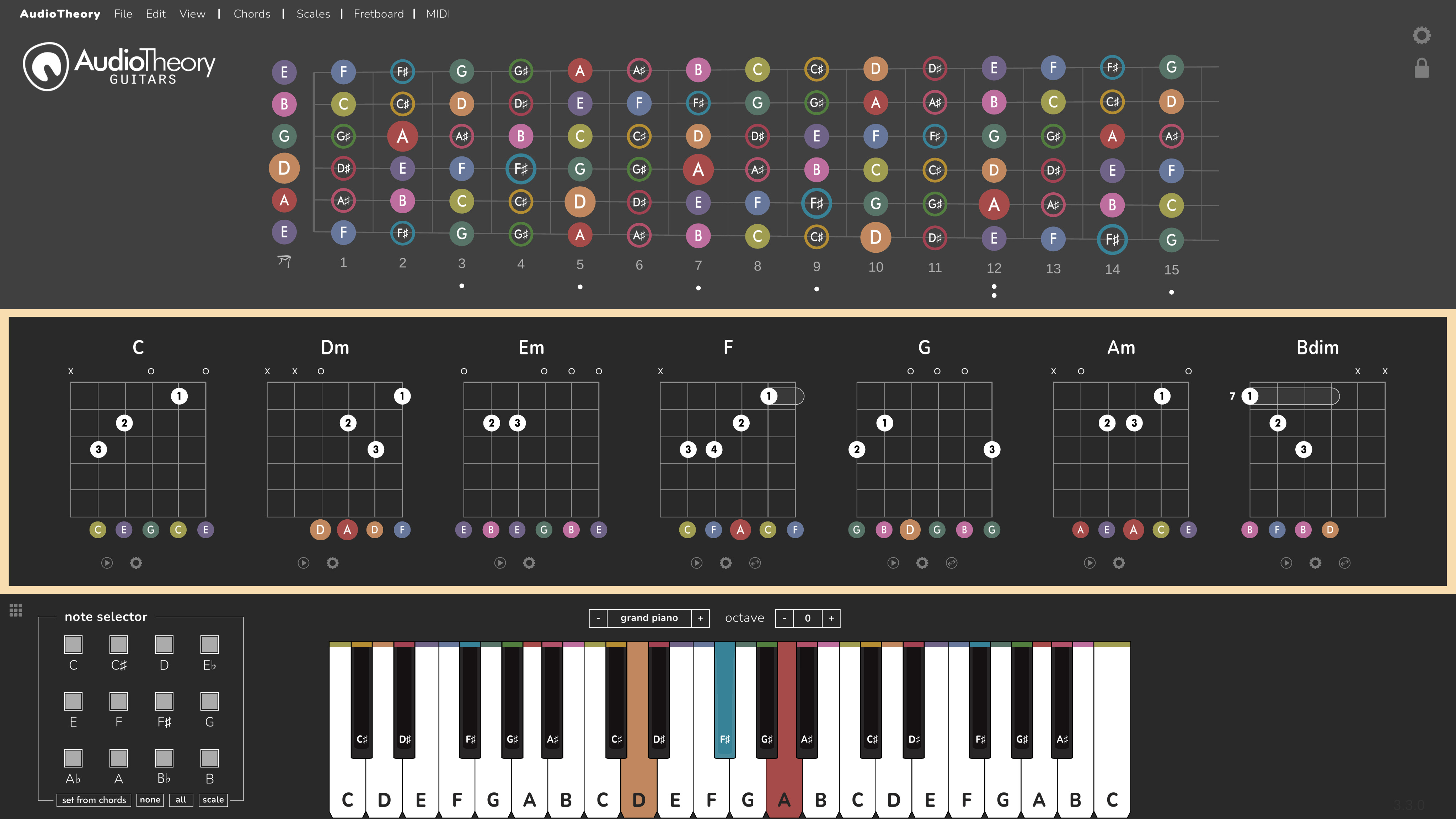
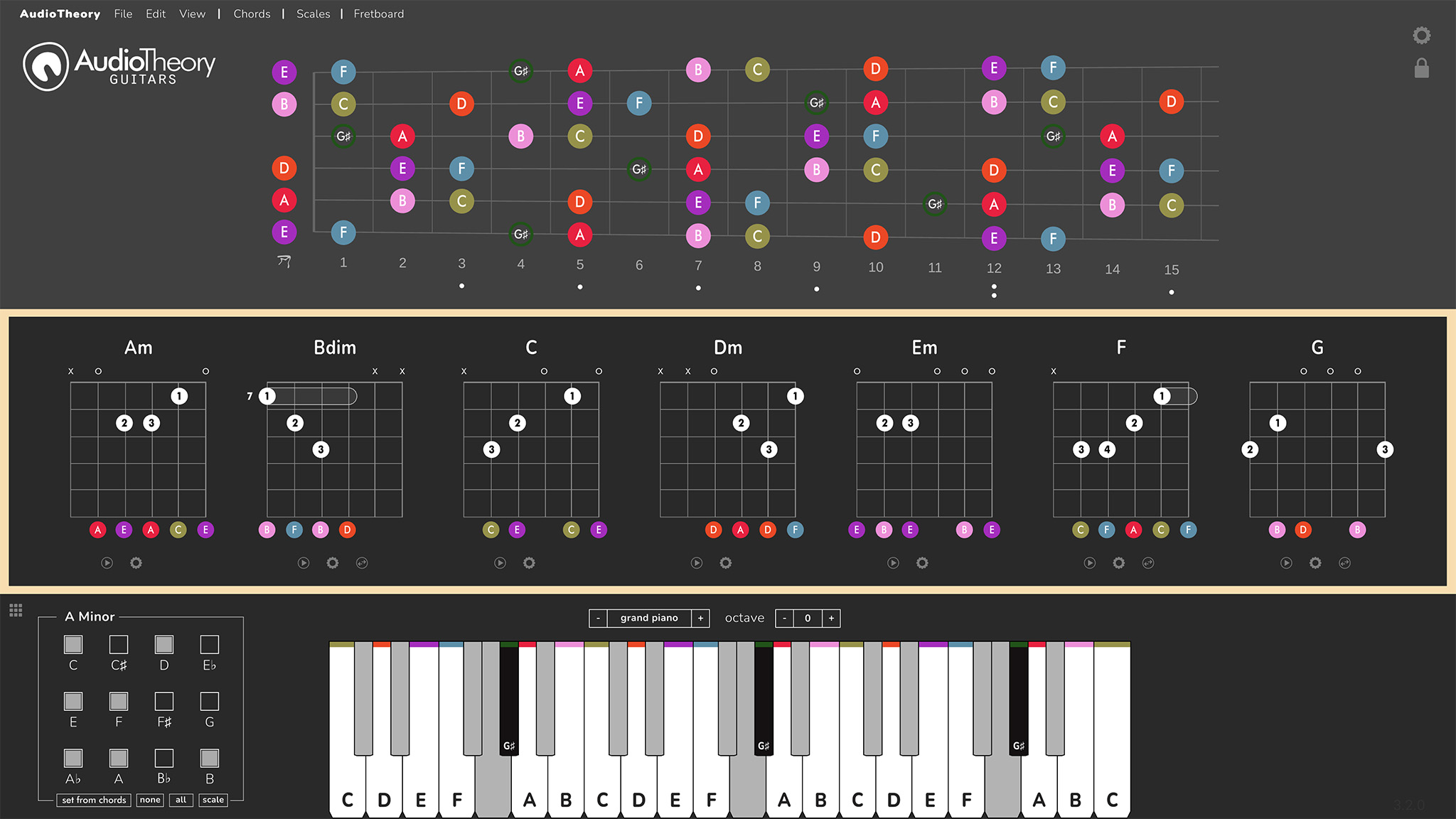
The keyboard layout has been revised to better replicate the exact size and placement of the black keys on a real piano. Further to this, a depth effect has been added so the black keys now look like they sit above the white keys (also to better match the look of a real piano). This can however be turned off in the settings if you prefer a flat, more minimalist look.
Custom colours for the black keys
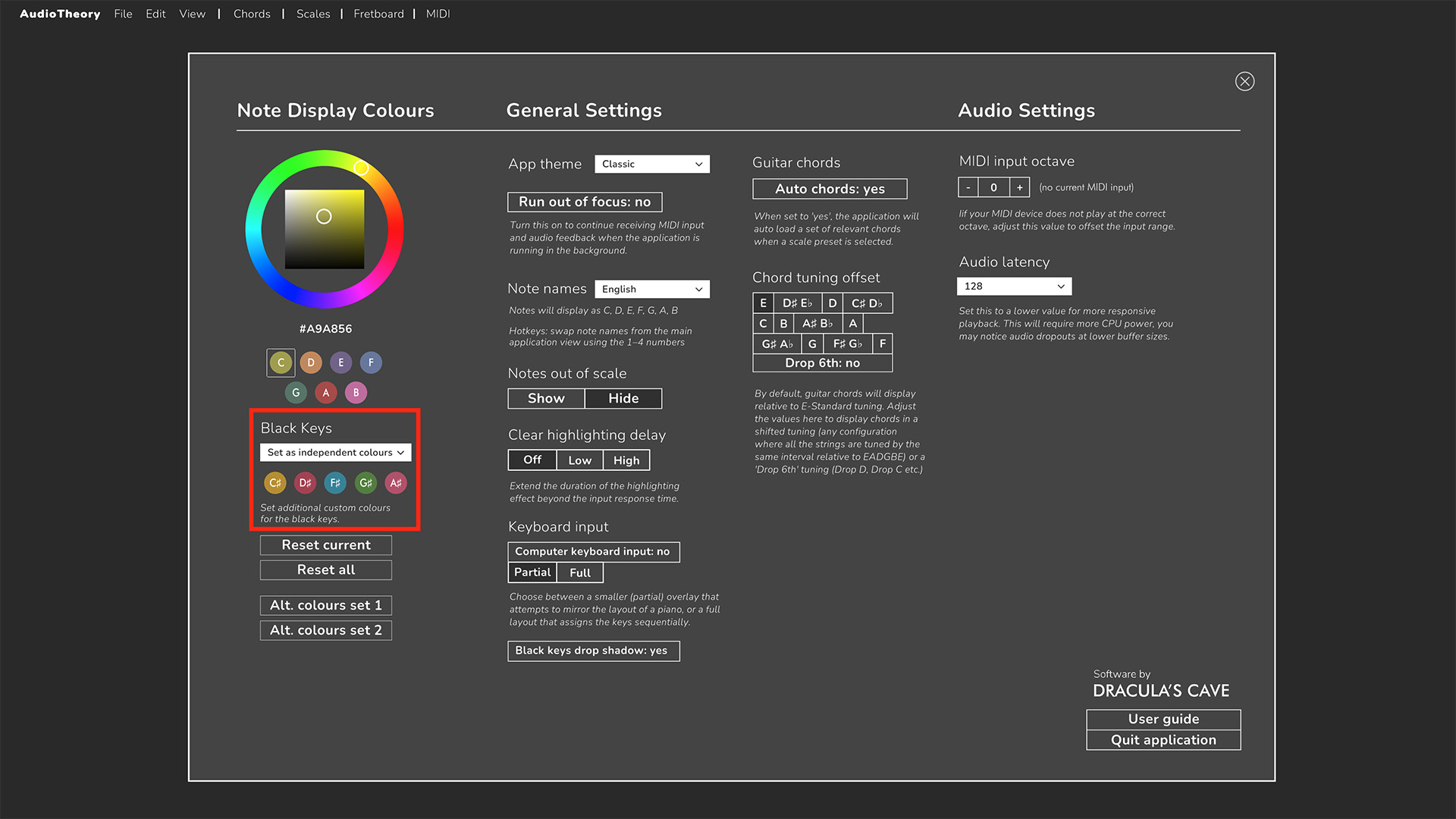
It's now possible to set unique custom colours for the black keys. The default option is still for the black keys to automatically match the natural note colours (so C♯ uses the colour for C, where as D♭ uses the colour for D), however this can be changed using a new dropdown in the settings. If the black keys display mode is changed over to use custom colours then you'll see an additional set of black key notes for which individual colours can be set.
Export chords as MIDI
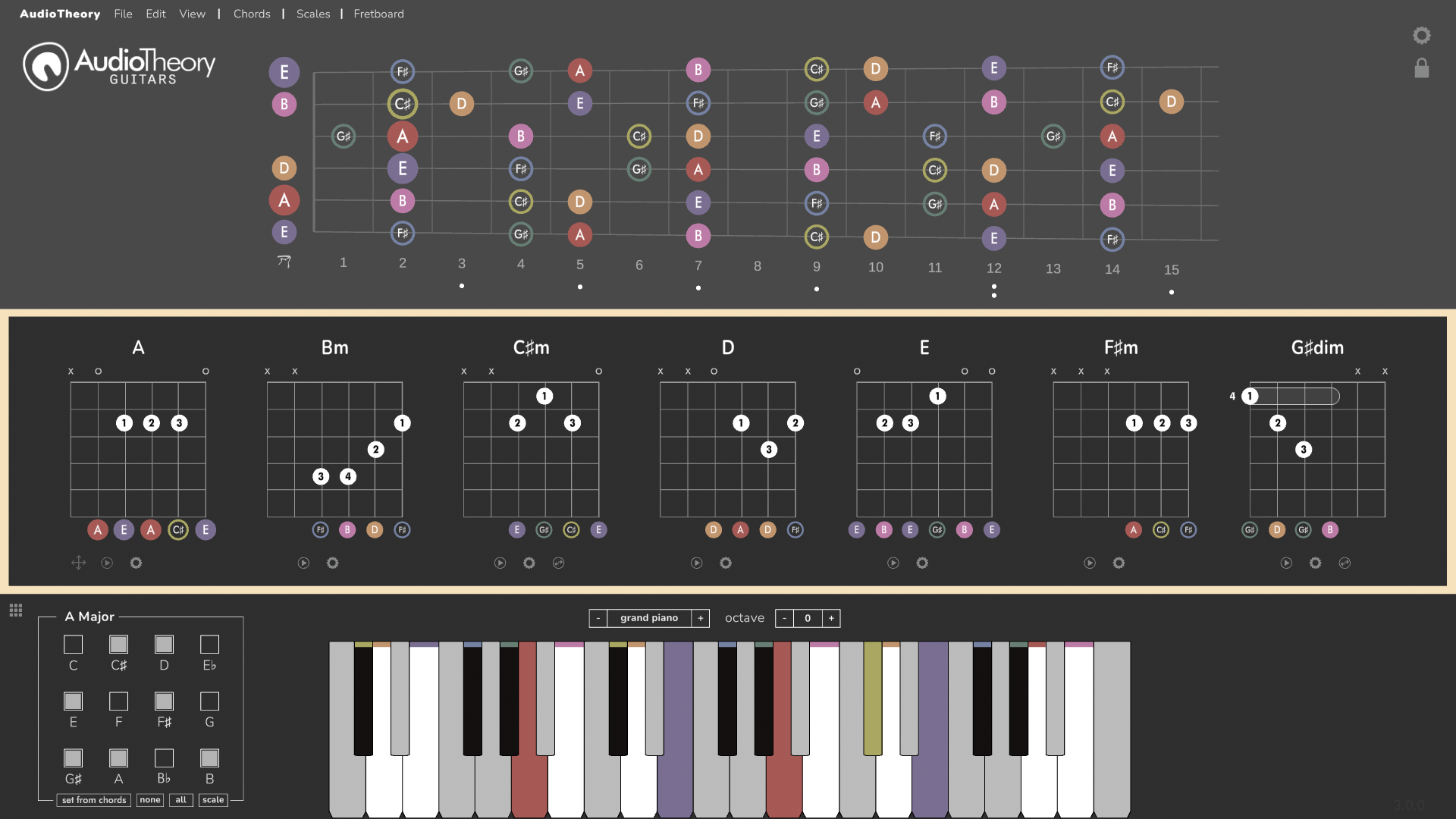
You can now export your chord progressions directly from AudioTheory Piano Keys or AudioTheory Guitars and import them as 'Chord packs' into your DAW. Select the new MIDI toolbar option, 'Export Chords to MIDI' and specify a location for the file to be saved. This will export all visible chords in the main application view, one bar for each, in sequence, ready for use in other applications.
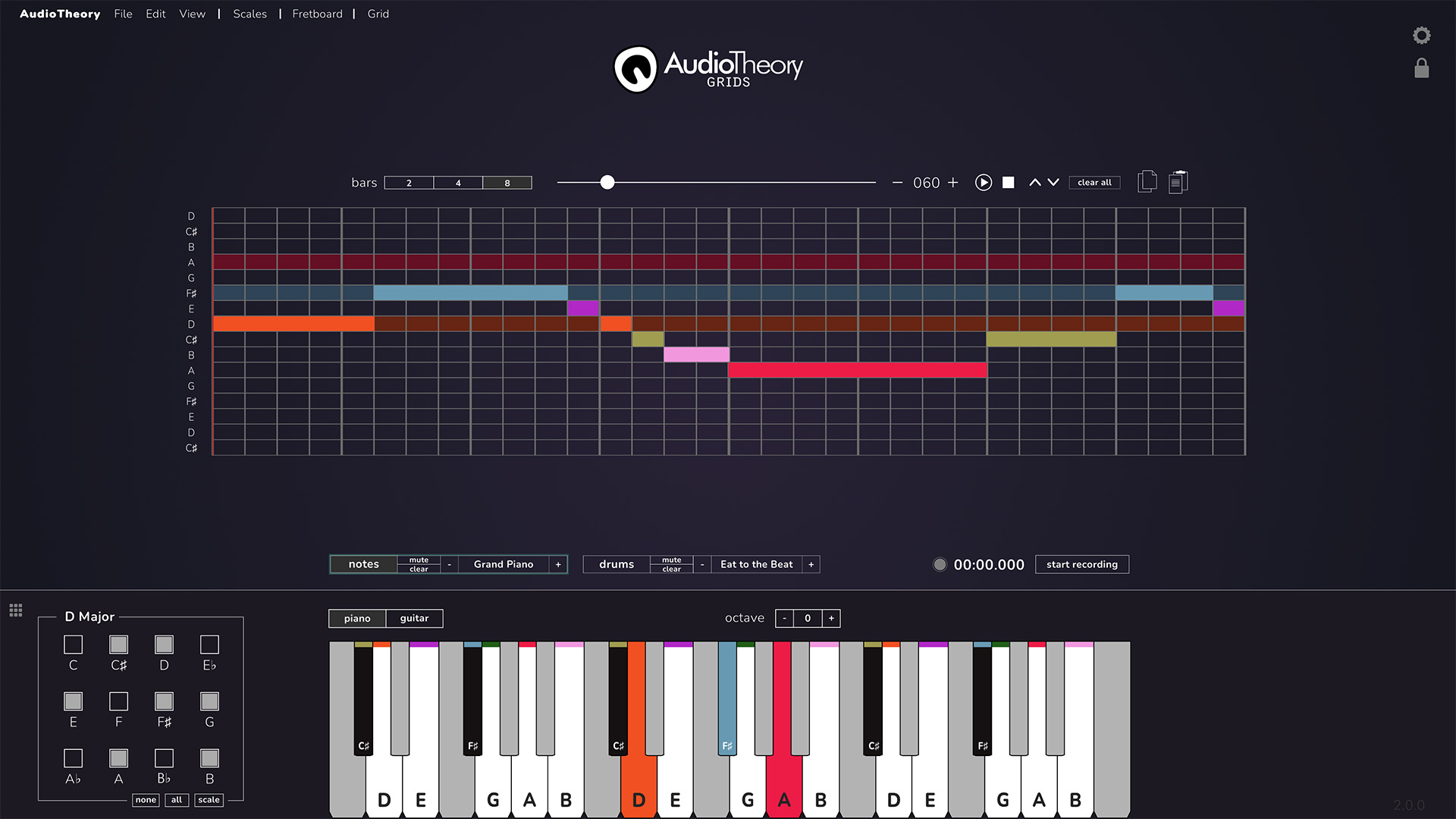
AudioTheory Grids has it's own new tools for exporting Grids to MIDI.
AudioTheory Guitars – New Diminished 7th Chord Selector
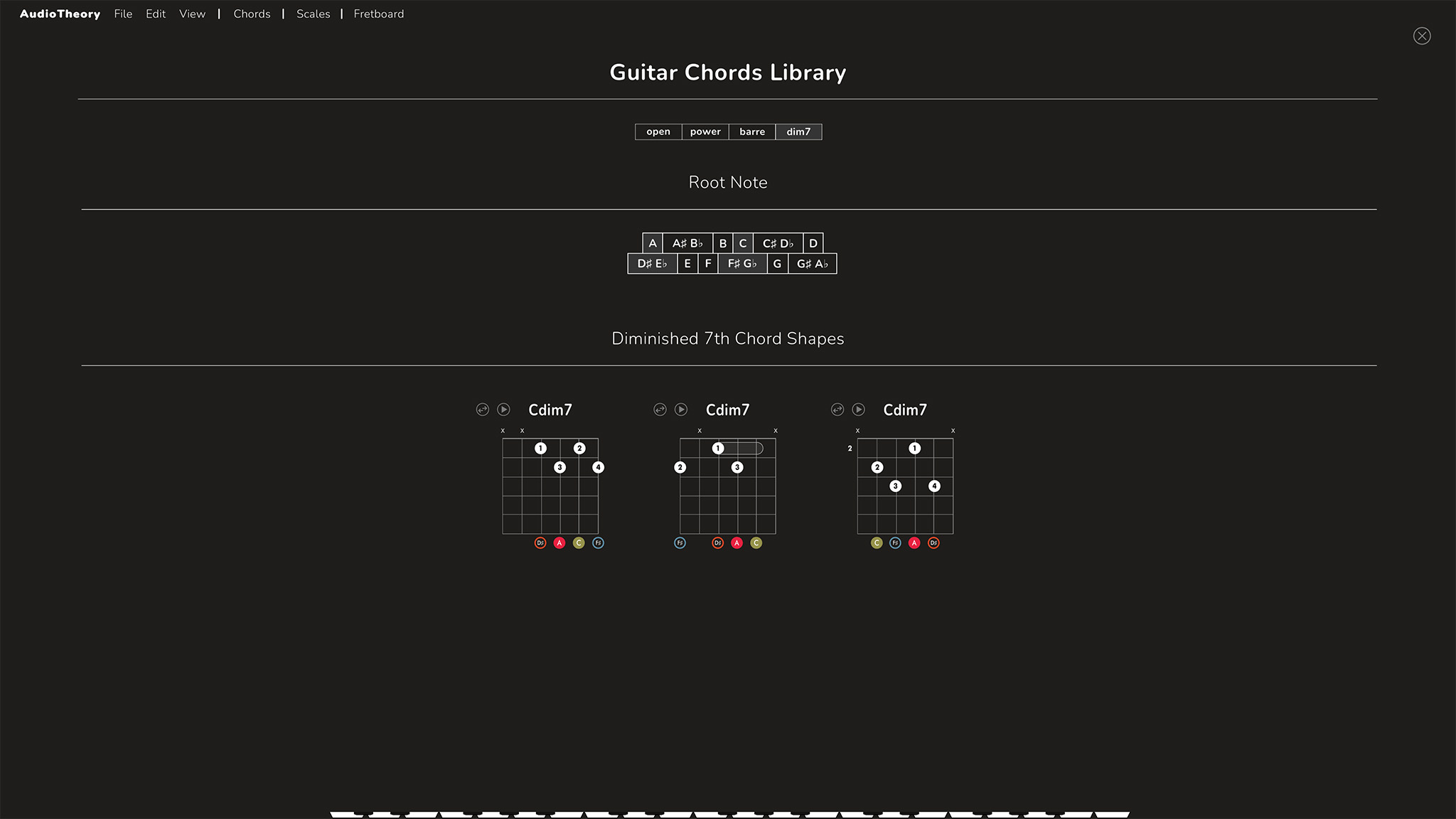
Diminished 7th Chords are symmetrical, which causes all sorts of UI related challenges when attempting to represent them in the app. The chord library previously just showed them all in a grid, but this has now been updated so that the selector matches the layout of the other chord types, whilst also accounting for the fact that each position can be viewed as 4 different chords.
The root note selector now highlights multiple backgrounds, matching the functionality previously used in the smaller popup that displays below each chord in the main application view. The three different chord shapes are shown next to each other, and the cycle can be used to swap between the different positions on the fretboard.
AudioTheory Grids 2.0.0
An extensive overhaul including various features and improvements specifically for AudioTheory Grids.
Extra Instrument Grids
The main view now includes an extra instrument grid, for adding in additional sounds.
The instrument itself is now set independently from the main piano, meaning that each grid can have a different instrument and then the main piano can use something else too. E.g. you could play bass, keys and drums using the grid and then overlay a synth part in real-time using the main piano.
Export as MIDI
Anything you create in AudioTheory Grids can now be exported as a MIDI file that can be imported into your DAW. These options can be found under the new MIDI item in the toolbar and they work as follows:
Export current grid as MIDI – this generates a MIDI file for the current on-screen view (either notes or drums depending on what's currently in focus).
Export all notes as MIDI – this cycles through all grid configurations on the number pad and exports them into one continuous MIDI file. A second file is then created for the second set of note grids.
Export all drums as MIDI – as above, this combines all configurations on the number pad into a single MIDI file. However it exports the drums grids, rather than the two sets of note grids.
Auto Save and Load
The full notes grid now automatically saves and loads between sessions. All input across all grids across all number pads remains in place.
Under the 'Grid' option in the toolbar there are additional options to clear the view. It's possible to clear the current grid using the 'Clear Current' option, or to clear everything by selecting 'Clear All Grids'.
Undo
Undo recent changes from the 'Edit' item in the toolbar, or by pressing Ctrl+Z.
Stopwatch Synchronised Grid
Grid playback is now controlled using a new stopwatch mechanism. This ensures greater precision in playback time and accurate tempo speeds.
This update also added many other features previously implemented in AudioTheory Guitars and AudioTheory Piano Keys, such as the colour wheel, fretboard builder, and the new options popup.
All updates are free for owners of AudioTheory software. If you purchased directly then you can download the latest version from your Gumroad account.
For Steam users, new updates can be downloaded through the Steam client.
For new customers, you will be purchasing and downloading the latest version.